Build Applications with Local AI Models by Keiji Kamigusa (.ePUB)+
File Size: 10 MB
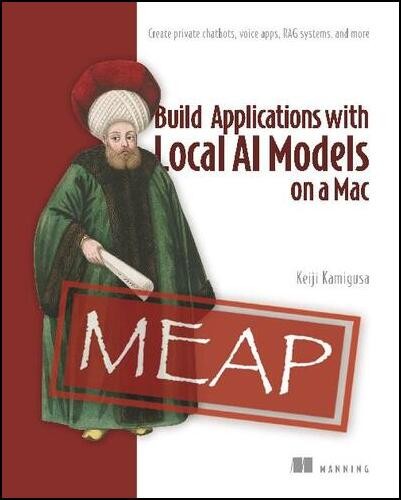
Build Applications with Local AI Models on a Mac: Create private chatbots, voice apps, RAG systems, and more (MEAP 2) by Keiji Kamigusa
Requirements: .ePUB, .PDF, .MOBI/.AZW reader, 10 MB
Overview: Forget steep AI subscription fees, privacy concerns, and a hard dependency on cloud servers! Build Applications with Local AI Models on a Mac shows you exactly how to build and run a ChatGPT-style assistant entirely on your own Mac—free forever, with zero data leaving your machine. In this practical book, AI authority Keiji Kamigusa guides you step by step using readily available open source models, Ollama, Python, and Streamlit. Every chapter builds toward a single goal: your own ChatGPT-like app, running 100% offline. Along the way, you’ll install and manage multiple models (Llama, Gemma, Qwen, and Mistral) through Ollama, set up a professional Python environment from scratch with Homebrew and VS Code, and master Streamlit’s elegant Python-only UI framework. Architectural diagrams, flowcharts, sequence diagrams, and side-by-side comparison tables bring abstract concepts to life. You’ll customize AI behavior through system prompts, temperature tuning, and Ollama Modelfiles to create your own custom LLM personalities. You’ll verify true privacy by running the famous “airplane mode test” by cutting your network and watching your chatbot keep working. Next, add streaming responses, conversation memory, and model-selection sidebars. Finally, you’ll extend your app with RAG (retrieval-augmented generation) to read your own documents, and LangChain agents that use tools autonomously. The main project we will build together is a voice-enabled local AI chat application. By the end of the book, you will open a browser, click a microphone button, speak naturally to the AI, watch your words transcribed on screen in about one to two seconds, and receive a streaming response – all running entirely on your own Mac, with no internet connection required after setup. You will accomplish this with four key tools: Ollama (a runtime that downloads and runs open-source LLMs locally), MLX Whisper (Apple Silicon-optimized speech recognition), Python (a beginner-friendly programming language), and Streamlit (a framework for building web applications in pure Python). No programming experience required! Anyone with basic computer literacy can set up an offline AI model with this guide.
Genre: Non-Fiction > Tech & Devices
Free Download links: